Zero-access photo storage is generally meant to describe a system in which the storage provider cannot read the protected photo or video content. The phrase sounds definitive, but it is not a universal certification or a complete technical design. Treat it as the beginning of a review, not proof by itself.
The important questions are where encryption happens, who controls the decryption keys, what data remains visible, and how recovery works when a device or password is lost.
Zero access is not zero trust
These terms are easy to confuse.
Zero trust is a security model for making access decisions. NIST describes it as removing implicit trust based only on location or ownership and requiring authentication and authorization for access to resources.
Zero access, as used by storage products, usually means the provider is designed not to possess the ability to decrypt a customer's protected content. It is closer to a key-ownership claim than an access-control architecture.
A product can use zero-trust principles without being unable to read stored files. It can also advertise zero-access storage while still processing account information, file sizes, timestamps, billing records, support messages, or other metadata.
Eight questions that make the claim testable
1. Where does encryption happen?
The strongest form of the claim normally requires encryption on the user's device before upload. If a service receives readable files and encrypts them only after they reach its server, the service had access during processing.
2. Who creates and controls the key?
Encryption is only as meaningful as key management. Ask whether the key is created on the device, whether the provider receives a usable copy, and whether recovery keys are protected separately. NIST calls key management a fundamental and difficult part of cryptographic security.
3. What can support recover?
Password recovery reveals the real boundary. If support can reset a login password but cannot recover an encryption password, losing the latter may make the protected backup unreadable. That is a privacy benefit and a recovery risk.
4. Is every copy covered?
Check thumbnails, previews, temporary upload files, exported copies, shared links, and deleted-item retention. A protected original does not automatically mean every derivative is encrypted under the same key.
5. What metadata remains visible?
A provider may still need operational information such as account identifiers, storage usage, file size, upload time, device type, or payment status. A precise privacy policy should separate encrypted content from service metadata.
6. How does sharing change the model?
Sharing requires another person or device to receive access. Ask how the key is delivered, whether public links are supported, whether access can be revoked, and whether shared copies keep the same protection.
7. Can you export and verify your files?
A private system should not become a one-way door. Import non-sensitive samples, export them again, confirm that the files open in another trusted viewer, and verify that original quality and metadata behave as expected.
8. Has restore been tested?
Do not wait for a lost phone. Test a small restore on a supported device, confirm which password is required, and document the process somewhere outside the vault.
What the phrase does not promise
Zero-access storage does not automatically prevent:
- someone using an already-unlocked phone;
- malware or screenshots on an authorized device;
- accidental deletion that synchronizes;
- weak passwords or exposed recovery methods;
- disclosure through sharing or exports; or
- permanent loss after every valid key is lost.
It addresses provider access to protected content. Other risks still need device security, careful sharing, independent recovery copies, and a tested exit path.
How Safety Photo+Video describes its design
Safety Photo+Video publishes this article and has a commercial interest in the topic. Its current App Store listing says optional backups are encrypted on the device before upload and that only the user holds the key needed to decrypt and restore them. That is a vendor claim, not an independent audit.
Before relying on any product, compare that claim with its current privacy policy, store disclosure, restore instructions, and your own non-sensitive test. You can review the broader concept in what zero-knowledge photo storage means and the provider-access questions in can photo vault apps see your photos.
If a user-controlled key and encrypted restore fit your needs, review the Safety Photo+Video photo vault app and confirm the current platform requirements and paid features before moving irreplaceable media.
Sources
- NIST, Zero Trust Architecture
- NIST, Key Management Guidelines
- Apple, Safety Photo+Video App Store listing
Sources checked July 28, 2026.
Frequently asked questions
Protect your private photos and videos
Download Safety Photo+Video for a private media vault with flexible locks and optional zero-knowledge encrypted backup.
Available for iPhone, iPad, and Android.
Related articles
What Is Zero-Knowledge Photo Storage?
Learn what zero-knowledge photo storage means, how it works, why privacy-focused users prefer it, and how encryption can help protect private photos and videos from unauthorized access.
Read articleCan Photo Vault Apps See My Photos?
Learn how photo vault apps store photos, when providers can access your data, how encryption works, and what to look for when choosing a privacy-focused photo vault.
Read article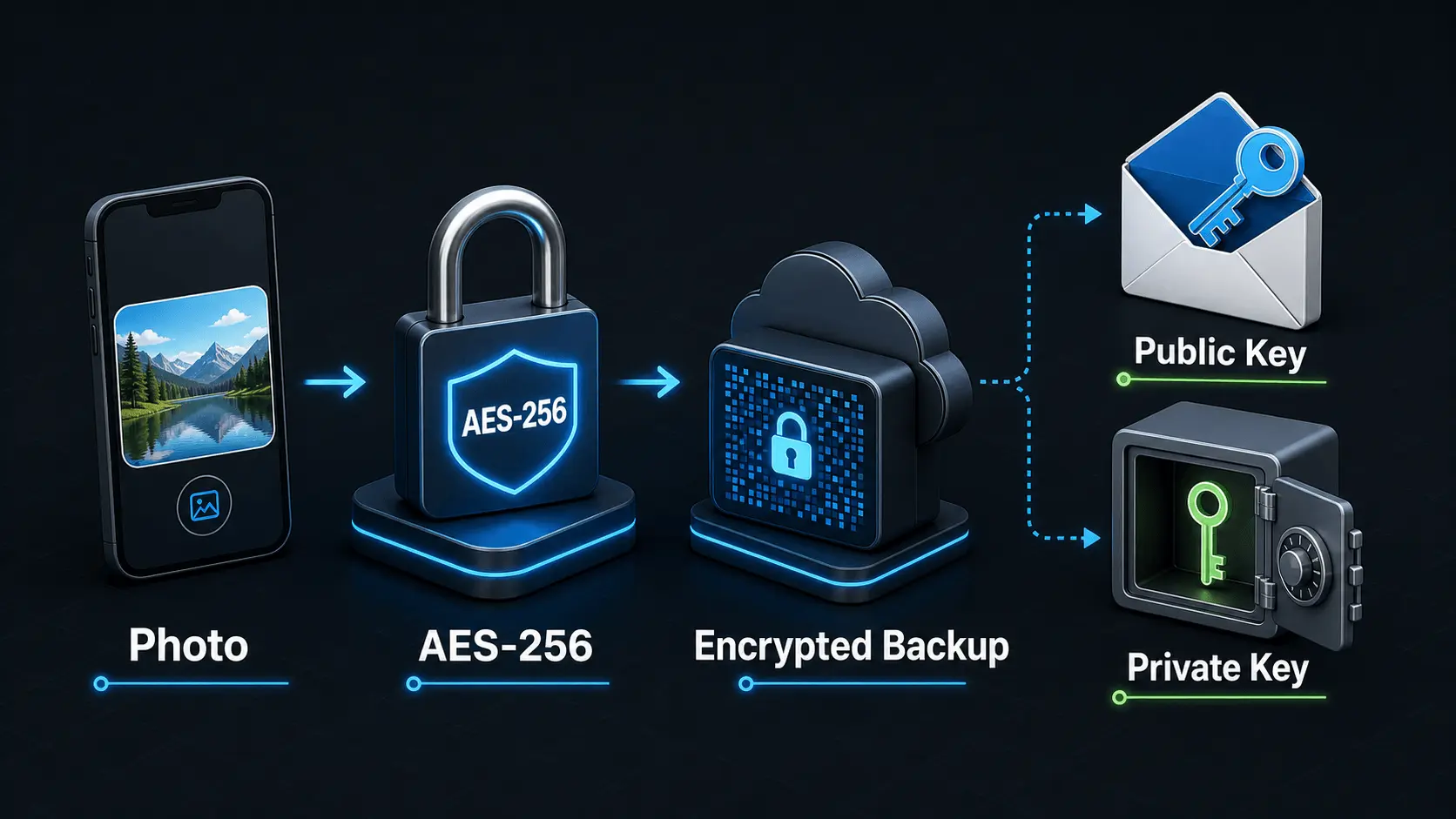
How Does Encryption Work?
A simple explanation of how encryption protects private photos and videos, how AES-256 works in Safety Photo+Video, and how encryption passwords, public keys, and private keys fit together.
Read article