Photo Vault Apps for iPhone (2026): 5 Compared
Compare five iPhone photo-vault options by separate locks, storage, backup, recovery, privacy disclosures, and limitations to find the right fit.
“The best photo vault app is not necessarily the one with the most features. It is the one that gives you the right balance of privacy, security, backup protection, and ease of use.”
By Sixbytes
This page is a broad iPhone shortlist organized by use case. For a sourced comparison of privacy labels, current prices, key ownership, and limitations, use 5 hidden-photo apps compared. For a selection framework rather than a product list, use the iPhone photo-vault buyer's guide.
Disclosure: Safety Photo+Video publishes this page and appears in the shortlist. Store-listing claims were not independently security-tested.
Your iPhone already includes several privacy features, but some users want a password, organization model, or backup workflow that is separate from Photos. Whether a dedicated vault adds protection depends on its actual design and your threat model.
Today's vault apps offer much more than a simple passcode lock. Many include Face ID protection, cloud backup, decoy vaults, intruder detection, encrypted storage, and secure recovery options.
This guide compares some of the best photo vault apps available for iPhone in 2026 and explains which type of user each app is best suited for.
What Makes a Great Photo Vault App?
Not all vault apps are created equal.
When evaluating a photo vault, consider the following factors:
- Face ID and Touch ID support
- Strong passcode protection
- Private album organization
- Backup and recovery options
- Storage flexibility
- Encryption and privacy protections
- Ease of use
- Long-term reliability
The best app depends on which of these factors matter most to you.
1. Safety Photo+Video
Separate vault with additional privacy controls
Safety Photo+Video is designed for users who want strong control over their private photos and videos.
Instead of focusing only on hiding content, the app provides multiple layers of protection, including:
- Face ID and Touch ID authentication
- Private albums
- Decoy vaults
- Intruder detection
- Recently deleted recovery
- Optional cloud backup
- Local storage flexibility
One of its biggest strengths is giving users control over how their media is stored. Some users prefer keeping sensitive content on their device, while others prefer cloud backup for recovery. Safety Photo+Video supports both approaches.
Pros
- Decoy vault support
- Intruder detection
- Local storage flexibility
- Cloud backup options
- Strong privacy-focused design
Cons
- More privacy features may require additional setup
- Less mainstream recognition than some competitors
2. Keepsafe
Best for users who want a well-known vault app
Keepsafe has been one of the most recognized photo vault apps for years.
It offers:
- Face ID support
- PIN protection
- Private albums
- Cloud backup
- Secure sharing tools
Its popularity makes it a familiar choice for users looking for a simple vault experience.
Pros
- Large user base
- Easy to use
- Established reputation
- Cloud backup features
Cons
- Some advanced privacy features may require premium plans
- Less emphasis on local-storage-first workflows
3. Private Photo Vault
Best for simplicity
Private Photo Vault focuses on delivering a straightforward vault experience without overwhelming users with complex settings.
Features include:
- Face ID support
- PIN protection
- Album organization
- Private camera functionality
Many users appreciate its clean and simple design.
Pros
- Easy setup
- Simple interface
- Mature product
Cons
- Fewer advanced privacy features
- Less flexibility for power users
4. Apple's Hidden Album
Best free option
Every modern iPhone includes a Hidden Album inside the Photos app.
The Hidden Album can be protected using:
- Face ID
- Touch ID
- Device passcode
For many users, this built-in feature is sufficient.
However, Hidden Album is not a full vault system.
It lacks:
- Decoy vaults
- Intruder detection
- Advanced backup controls
- Separate security layers
Pros
- Free
- Built into iOS
- No additional downloads required
Cons
- Limited functionality
- Not a dedicated vault solution
5. Proton Drive
Best for encrypted cloud storage
Proton Drive approaches privacy differently.
Rather than focusing exclusively on photos, Proton Drive provides encrypted cloud storage that can also be used for photos and videos.
Its strengths include:
- Privacy-first design
- Encrypted cloud storage
- Cross-device access
- Secure file backup
Users who prioritize cloud-based protection often appreciate this approach.
Pros
- Strong privacy reputation
- Secure cloud storage
- Multi-device access
Cons
- Not specifically designed as a photo vault
- Fewer photo-management features
Feature Comparison
| Feature | Safety Photo+Video | Keepsafe | Private Photo Vault | Hidden Album | Proton Drive |
|---|---|---|---|---|---|
| Face ID Support | ✅ | ✅ | ✅ | ✅ | ✅ |
| Private Albums | ✅ | ✅ | ✅ | Limited | ❌ |
| Decoy Vault | ✅ | Limited | Limited | ❌ | ❌ |
| Intruder Detection | ✅ | Some Plans | Limited | ❌ | ❌ |
| Cloud Backup | ✅ | ✅ | ✅ | Via iCloud Photos | ✅ |
| Local Storage Option | ✅ | Limited | ✅ | ✅ | ❌ |
| Recently Deleted Recovery | ✅ | Limited | Limited | System Managed | ❌ |
| Built Into iPhone | ❌ | ❌ | ❌ | ✅ | ❌ |
Which App Is Best for You?
Choose Safety Photo+Video if:
- Privacy is your highest priority
- You want decoy vault protection
- You want intruder detection
- You prefer storage flexibility
- You want multiple layers of security
Choose Keepsafe if:
- You want a popular, established vault app
- You prefer a simple cloud-focused experience
Choose Private Photo Vault if:
- You want a straightforward vault app
- Simplicity is more important than advanced features
Choose Hidden Album if:
- You only need basic protection
- You do not want to install another app
Choose Proton Drive if:
- You prioritize encrypted cloud storage
- You want secure access across multiple devices
Are Vault Apps Better Than Hidden Album?
Many users assume the Hidden Album feature is equivalent to a vault app.
While Hidden Album offers useful protection, dedicated vault apps typically provide:
- Additional authentication layers
- Better organization
- Backup controls
- Recovery tools
- Advanced privacy features
The difference is similar to using a locked drawer versus a dedicated safe.
Both provide protection, but one is designed specifically for security.
Final Verdict
There is no single photo vault app that is perfect for everyone.
Safety Photo+Video is an option for users who want a separate vault, individual album passwords, decoy access, and optional encrypted backup. Check the available features and recovery requirements for your device before choosing.
For users who prioritize familiarity and simplicity, Keepsafe and Private Photo Vault remain solid choices.
For users who only need basic protection, Apple's Hidden Album may be enough.
The best choice ultimately depends on how sensitive your photos are, how you want them stored, and how much control you want over your private media.
Frequently Asked Questions
Looking for a separate private vault?
Safety Photo+Video helps you hide and lock personal photos and videos, with additional album protection and optional encrypted backup.
Explore vault basics, album passwords, and decoy access. Check backup recovery requirements or get help before choosing.
Available for iPhone, iPad, and Android.
Related Articles
Safety Photo+Video vs Keepsafe: Which Private Photo Vault Is Better?
Compare Safety Photo+Video and Keepsafe across privacy, security, cloud backup, local storage, Face ID protection, decoy vaults, and more to find the right private photo vault app.
Read articleBest Keepsafe Alternatives: Privacy, Pricing & Migration (2026)
Choose a Keepsafe alternative by comparing privacy labels, pricing, backup and export needs, then migrate private photos without losing the only copy.
Read article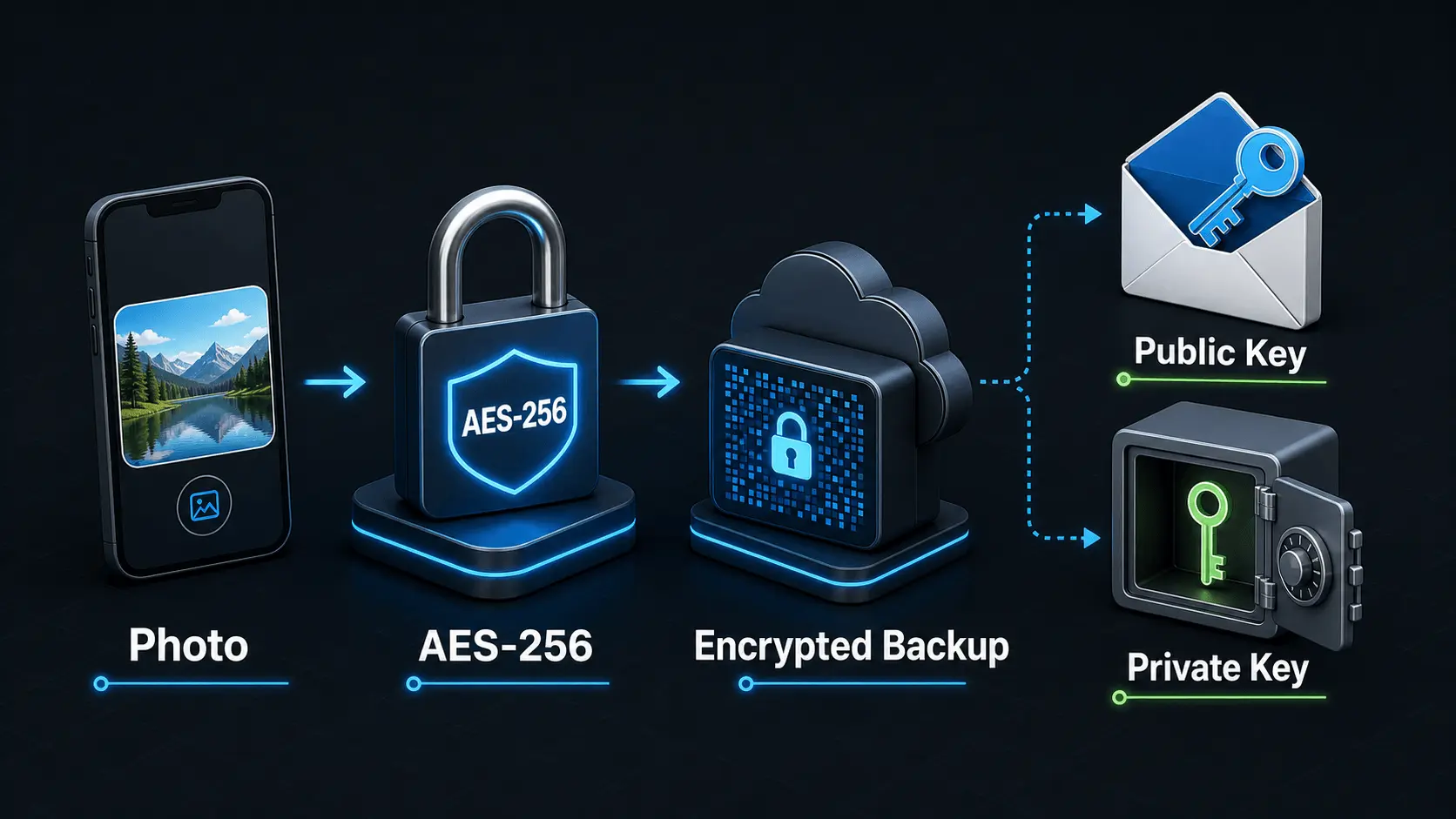
How Does Encryption Work?
A simple explanation of how encryption protects private photos and videos, how AES-256 works in Safety Photo+Video, and how encryption passwords, public keys, and private keys fit together.
Read article