Safety Photo+Video vs Keepsafe: Which Private Photo Vault Is Better?
Compare Safety Photo+Video and Keepsafe across privacy, security, cloud backup, local storage, Face ID protection, decoy vaults, and more to find the right private photo vault app.
“Both Safety Photo+Video and Keepsafe help protect private photos and videos, but they take different approaches to privacy, storage, and backup.”
By Sixbytes
If you're looking for a private photo vault app, two popular options are Safety Photo+Video and Keepsafe. Both apps are designed to protect personal photos and videos from unauthorized access, but they differ in how they approach privacy, storage, backup, and security features.
The best choice depends on your priorities. Some users want simple cloud-based backup and syncing. Others want more control over where their files are stored and who can access them.
This comparison examines the strengths and tradeoffs of both apps to help you decide which photo vault best fits your needs.
Quick Comparison
| Feature | Safety Photo+Video | Keepsafe |
|---|---|---|
| Face ID / Touch ID | ✅ | ✅ |
| Passcode Protection | ✅ | ✅ |
| Private Albums | ✅ | ✅ |
| Local Storage Option | ✅ | Limited |
| Cloud Backup | ✅ | ✅ |
| Decoy Vault | ✅ | Limited |
| Intruder Detection | ✅ | Available on select plans |
| Recently Deleted Recovery | ✅ | Limited |
| iCloud Sync | ✅ | No |
| Android Support | ✅ | ✅ |
| iPhone Support | ✅ | ✅ |
Both apps provide the core protection most users expect from a private vault. The differences become more noticeable when you look at how they handle storage, recovery, and advanced privacy features.
What Is Safety Photo+Video?
Safety Photo+Video is a private photo and video vault designed for users who want stronger control over their personal media. The app allows photos and videos to be protected behind Face ID, Touch ID, or passcodes while organizing content into private albums.
A major focus of Safety Photo+Video is giving users flexibility in how their data is stored. Users can keep media entirely on their device, use cloud backup features, or synchronize across devices depending on their preferences.
Additional privacy features include:
- Decoy vaults
- Intruder detection
- Recently deleted recovery
- Private album protection
- Cloud backup options
- Biometric authentication
The goal is to provide multiple layers of protection rather than relying on a single lock screen.
What Is Keepsafe?
Keepsafe is one of the most recognized photo vault applications available today. It has been used by millions of users and offers a familiar experience for storing private photos and videos away from the device's public gallery.
Keepsafe focuses on:
- Private photo storage
- PIN protection
- Biometric authentication
- Cloud backup services
- Secure sharing options
Its popularity and long history have made it one of the most frequently recommended vault applications.
Privacy Philosophy
When comparing private vault apps, privacy philosophy matters as much as feature lists.
Some users primarily want convenience. Others prioritize data ownership and control.
Safety Photo+Video is designed around the idea that users should have flexibility over where their data lives. Many users prefer keeping sensitive photos and videos stored locally on their own devices whenever possible.
This approach can reduce exposure to third-party systems while still allowing backup options when needed.
Keepsafe generally emphasizes convenience and cloud-enabled experiences, which may appeal to users who want seamless backup and recovery without thinking about storage management.
Neither approach is inherently right or wrong. The best option depends on your comfort level and priorities.
Local Storage vs Cloud Storage
One of the biggest differences between the two apps is storage flexibility.
Safety Photo+Video
Safety Photo+Video allows users to:
- Store files locally
- Use cloud backup when desired
- Sync through supported services
- Maintain control over storage choices
This flexibility is particularly useful for users with highly sensitive content.
Keepsafe
Keepsafe offers cloud backup capabilities that simplify recovery and syncing.
For users who prioritize convenience and device migration, cloud-centric features may be attractive.
However, some privacy-conscious users prefer having more control over whether media leaves their device.
Face ID and Biometric Protection
Both applications support modern biometric security.
Users can unlock protected content using:
- Face ID
- Touch ID
- Device biometrics
- Passcodes
This helps prevent unauthorized access even when someone physically holds the device.
For most users, both apps provide strong biometric protection.
Decoy Vault Protection
One area where Safety Photo+Video stands out is decoy vault functionality.
A decoy vault creates a secondary private area that opens using a different password. This allows users to maintain separate vaults for different purposes.
Benefits include:
- Additional privacy
- Protection during forced disclosure scenarios
- Better organization of sensitive content
Not all vault applications offer this capability.
For users specifically looking for advanced privacy controls, this feature can be a significant advantage.
Intruder Detection
Intruder detection provides an additional security layer.
When enabled, the app can help identify unauthorized access attempts.
This feature is useful when:
- Devices are shared
- Devices are left unattended
- Users want visibility into failed access attempts
While some vault apps offer variations of this feature, availability and implementation can differ between products and subscription plans.
Backup and Recovery
Backup quality becomes important when:
- Devices are upgraded
- Phones are lost
- Devices are damaged
Safety Photo+Video
Safety Photo+Video offers backup options designed to protect private libraries while supporting recovery when needed.
Users can choose the backup approach that best matches their privacy preferences.
Keepsafe
Keepsafe also provides cloud backup services that simplify device replacement and recovery.
Users who prioritize convenience often appreciate automated backup experiences.
Regardless of which app you choose, regularly verifying backup status is one of the most important habits for protecting valuable photos and videos.
Organization and Album Management
Private vaults are not just about security.
They are also about managing large collections of personal media.
Safety Photo+Video allows users to:
- Create private albums
- Organize media into categories
- Separate content into different protected areas
- Recover recently deleted content
Keepsafe also provides album organization features and folder structures that help users manage growing libraries.
For most users, both apps perform well in this area.
Which App Is Better for Privacy-Focused Users?
Privacy-focused users often care about:
- Local storage control
- Data ownership
- Advanced security features
- Recovery options
- Minimal exposure of sensitive content
Safety Photo+Video may be the stronger fit for users who value:
- Decoy vaults
- Intruder detection
- Local storage flexibility
- Multiple protection layers
These features can provide additional peace of mind for highly sensitive content.
Which App Is Better for Simplicity?
Users who want:
- Quick setup
- Familiar workflows
- Large established user base
- Straightforward backup experience
may find Keepsafe appealing.
Its popularity and long history make it an easy recommendation for many users who simply want a private vault without needing advanced customization.
Final Verdict
Both Safety Photo+Video and Keepsafe are capable private photo vault applications.
Choose Safety Photo+Video if you want:
- Decoy vault protection
- Intruder detection
- Local storage flexibility
- Optional cloud backup
- Multiple layers of privacy protection
Choose Keepsafe if you want:
- A long-established vault app
- Simple cloud-focused workflows
- A familiar user experience
- Broad public recognition
For users who place privacy and control at the center of their decision, Safety Photo+Video offers a compelling combination of security features and storage flexibility.
Frequently Asked Questions
Protect your private photos and videos
Download Safety Photo+Video for a private media vault with flexible locks and optional zero-knowledge encrypted backup.
Available for iPhone, iPad, and Android.
Related Articles
Best Keepsafe Alternatives: Privacy, Pricing & Migration (2026)
Choose a Keepsafe alternative by comparing privacy labels, pricing, backup and export needs, then migrate private photos without losing the only copy.
Read article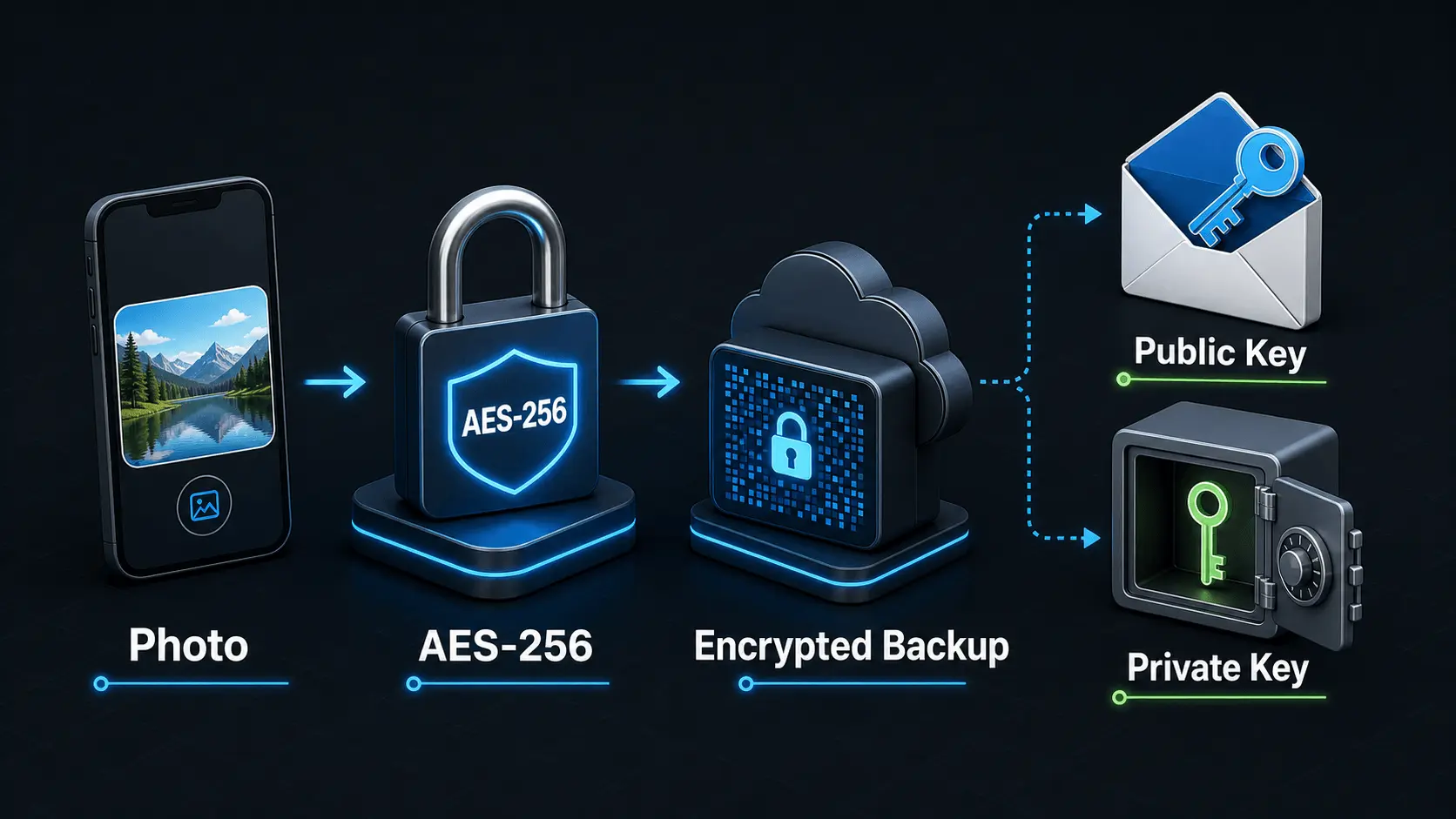
How Does Encryption Work?
A simple explanation of how encryption protects private photos and videos, how AES-256 works in Safety Photo+Video, and how encryption passwords, public keys, and private keys fit together.
Read articlePrivate Photo Backups: A Practical Starting Guide
A practical guide to building a private photo and video backup routine that protects sensitive media, stays current automatically, and gives you a clear restore plan before a device is lost, damaged, or replaced.
Read article